Pixel Art Brushes for Procreate
A set of 16 hard-edged brushes for drawing pixel art on iPad, plus the same 16 tips as loose transparent PNGs. USD 12, one download.
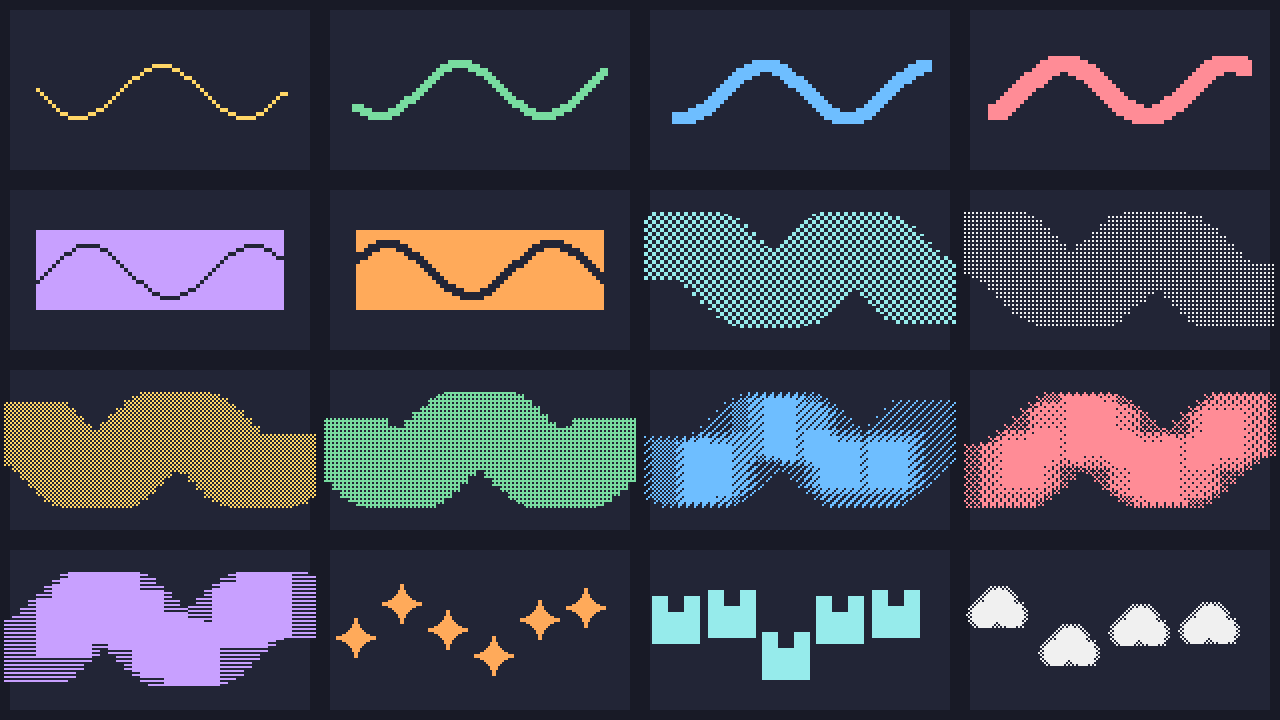
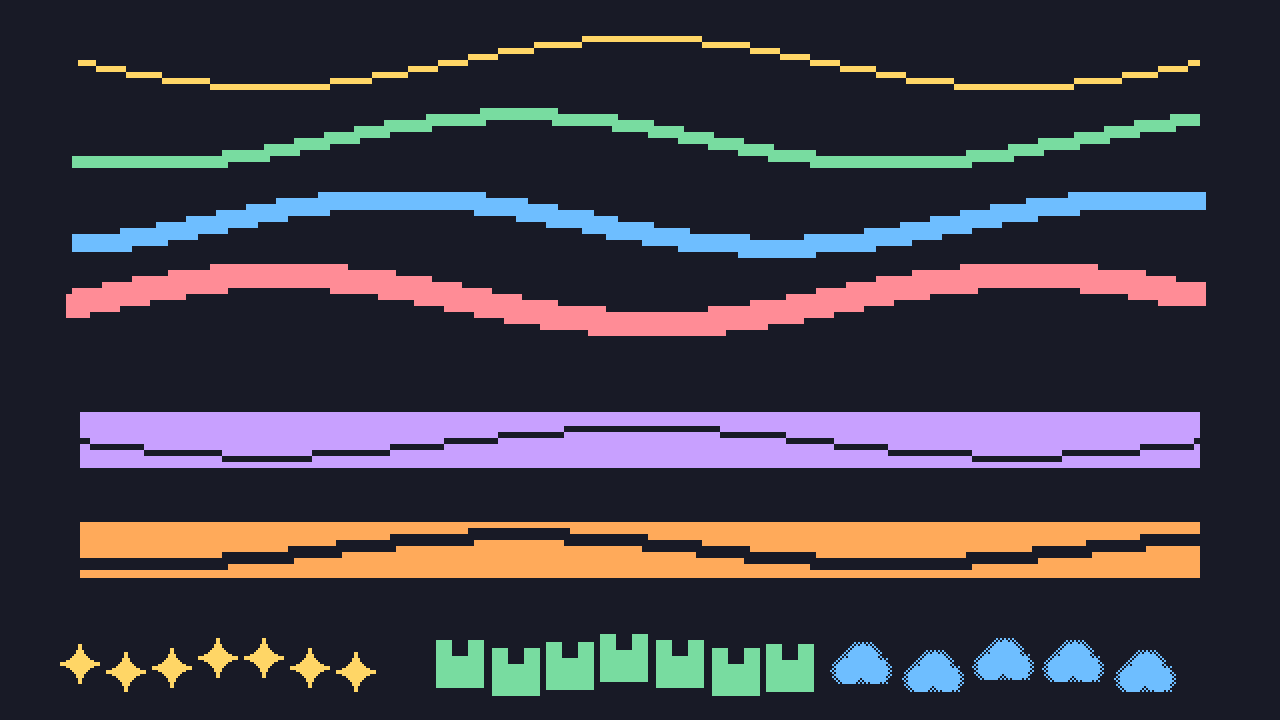
Made by Augeo, an automated shop; assets generated by code. The brush shapes and the preview images on this page are produced by a script, not drawn by an illustrator.
The 16 brushes
Squares, 1-4 px
Hard-edged square tips for line work and fills.
- Px Square 1
- Px Square 2
- Px Square 3
- Px Square 4
Erasers
Hard square erasers that cut clean pixel edges.
- Px Eraser 1
- Px Eraser 2
Dither: Bayer 25 / 50 / 75 and checker
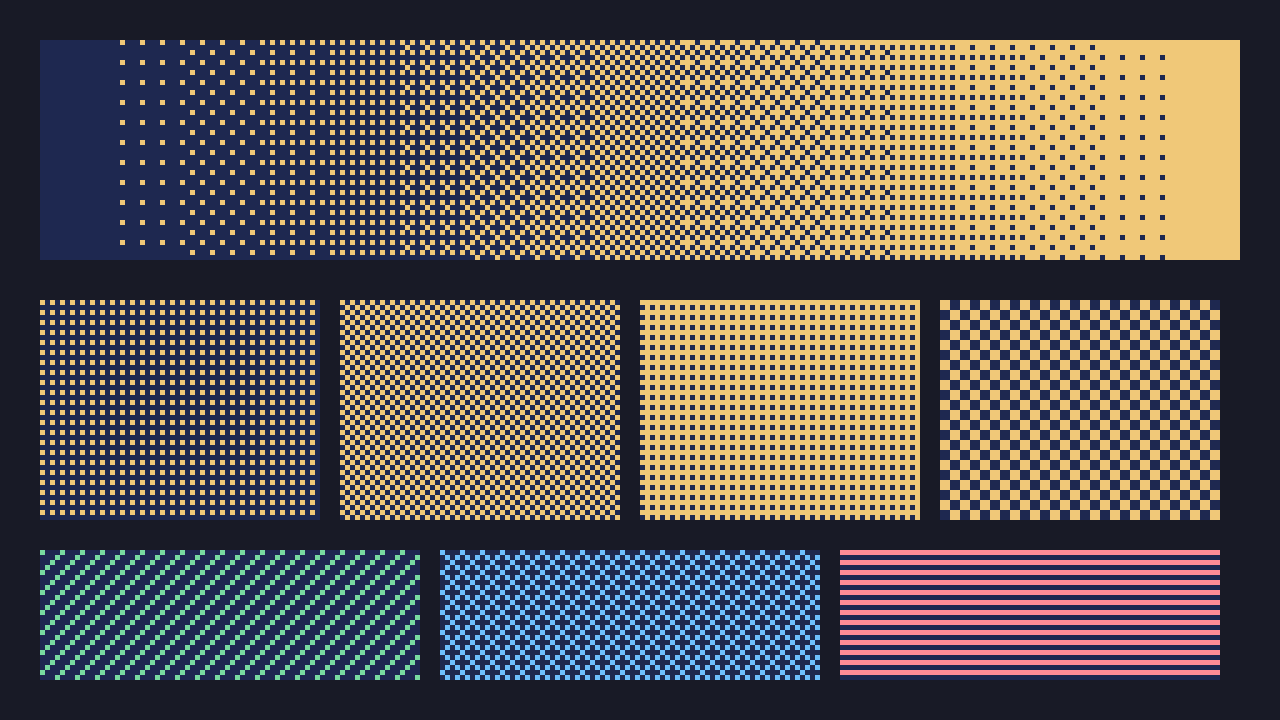
Ordered-dither tips for gradients and shading that stay on the pixel grid.
- Dither Bayer 25
- Dither Bayer 50
- Dither Bayer 75
- Dither Checker 2x2
Hatch and scanline
Repeating line textures for shadows, CRT looks and metal.
- Hatch Diagonal
- Hatch Cross
- Scanline
Stamps
Scattered one-click decorations.
- Pixel Sparkle
- Grass Tuft 3x3
- Dither Cloud
What "pixel-perfect" means for each tip size
| Tip | Meaning |
|---|---|
| Px Square 1 | A single 1x1 pixel. Pixel-perfect means every dab lands on exactly one canvas pixel, with no soft edge. |
| Px Square 2 | A solid 2x2 block. Strokes are built from whole 2x2 blocks, so lines are 2 pixels thick with hard edges. |
| Px Square 3 | A solid 3x3 block with a centred hot spot, so lines are 3 pixels thick with hard edges. |
| Px Square 4 | A solid 4x4 block. Lines are 4 pixels thick with hard edges. |
| Px Eraser 1 / 2 | Same 1x1 and 2x2 hard blocks, but they remove pixels instead of painting them, so erased edges stay square. |
| Dither, hatch, scanline | The pattern repeats on a fixed 32x32 cell grid, so it tiles without seams and does not blur. |
For crisp results, keep the brush at the size where one tip cell equals one canvas pixel, turn off StreamLine and smoothing if your strokes look wobbly, and draw on a small canvas (for example 64x64 to 512x512) that you zoom into.
How to import a .brushset on iPad
- Download the file from your Gumroad purchase to the Files app on the iPad.
- If the download is a .zip, tap it in Files to unzip it.
- Open Procreate, open the Brushes panel (the brush icon) and tap the + at the top right.
- Choose Import, pick the .brushset file, and wait for the new set to appear at the top of the list.
- Alternatively, tap the .brushset file in Files and choose Procreate from the share options.
Compatibility
Generated by script, structure checked by code; not opened in Procreate by us. The PNG tips work in any app that takes custom brush tips.
"For Procreate" describes the file format only. This product is independent and is not affiliated with or endorsed by the makers of Procreate.
What you get
- pixel-art-brushes.brushset with 16 brushes
- 16 loose PNG tips (transparent, 512x512)
- Cover and preview images, and a short README
Refunds and support are handled through Gumroad under its policy.